


Download 1-Click Web Proxy – web proxy, bypass geo restrictions, access blocked websites, online privacy, proxy tool, international content
Overview
1-Click Web Proxy is a utility designed to help users access websites that may be restricted due to geographical limitations. The app functions as a Chrome extension, enabling users to bypass regional content blocks with minimal effort. Its primary purpose is to provide unrestricted access to online content, making it a useful tool for individuals who need to view international websites, stream region-locked media, or explore web content from different parts of the world. The app is especially relevant in environments where internet access is filtered or censored.
Target users include casual internet users, digital nomads, students, and professionals who rely on global information sources. Webmasters also benefit from the tool, as it allows them to preview how their websites appear to users in different countries. This feature supports content localization and improves international user experience. The app operates within the browser environment, meaning it does not require a separate mobile application or installation on a device beyond the browser extension.
Developed by 1-Click Web Proxy, the tool has been available since December 20, 2010, indicating a long-standing presence in the productivity and privacy space. While specific details about the developer’s background were not provided, the app’s longevity suggests consistent functionality and user relevance. In the broader app ecosystem, 1-Click Web Proxy fills a niche for lightweight, no-frills proxy access, offering a simple solution to a complex issue: internet freedom and accessibility.
Key Features & Functionality
- Easy URL Entry: Users can input any website URL directly into the extension’s interface, allowing immediate access to restricted content. This feature is ideal for quick browsing without complex configurations, making it accessible even for non-technical users.
- One-Click Access: With a single click on the extension icon, users activate the proxy and open a new tab. This streamlined process reduces time and effort, especially when accessing multiple sites in succession.
- Geolocation Flexibility: The tool allows users to select proxy servers from various countries, enabling them to view websites as if they were browsing from those regions. This is particularly useful for accessing region-specific content such as news, streaming services, or government portals.
- Enhanced Privacy: By masking the user’s IP address, the proxy adds a layer of anonymity. This helps protect online identity and reduces the risk of data tracking, which is valuable for users concerned about digital privacy.
- Webmaster Insights: For website developers and digital marketers, the extension offers a practical way to test how their site renders in different geographic locations. This supports localization efforts and improves global audience engagement.
These features collectively enhance browsing flexibility and support both personal and professional use cases. Whether accessing international news or optimizing website performance, the app delivers practical value without requiring advanced technical knowledge.
Interface, UX & Performance
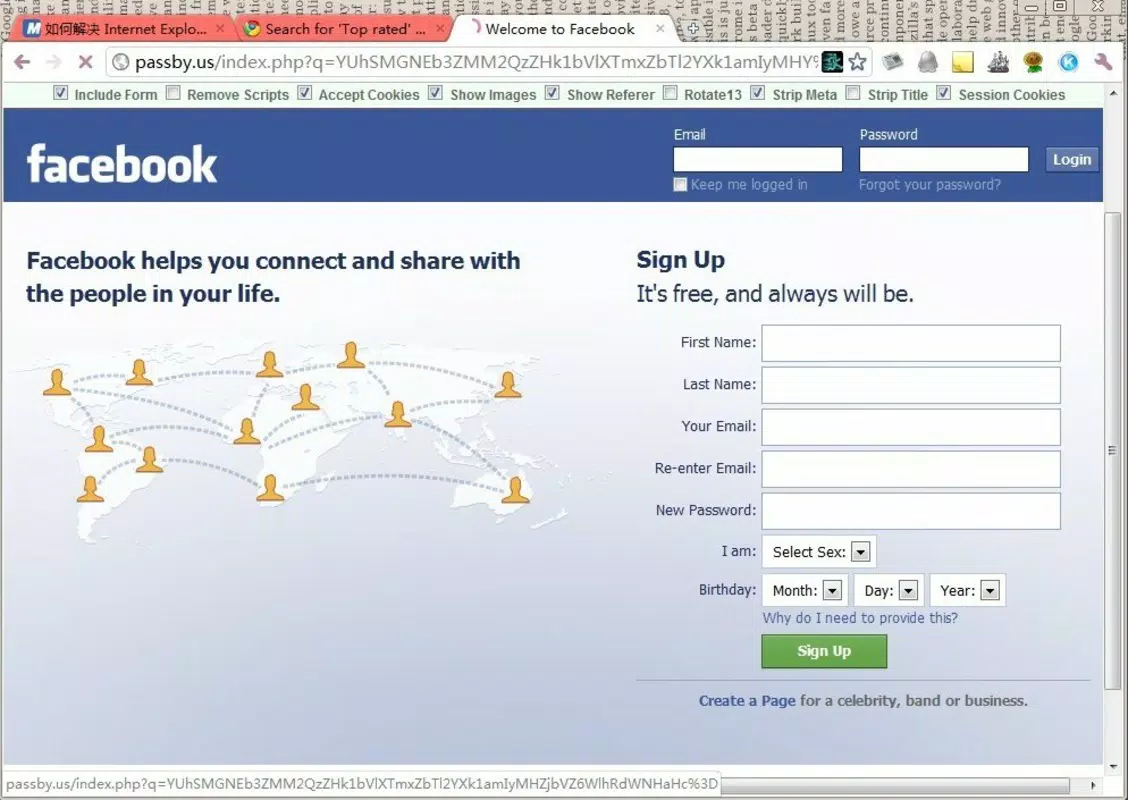
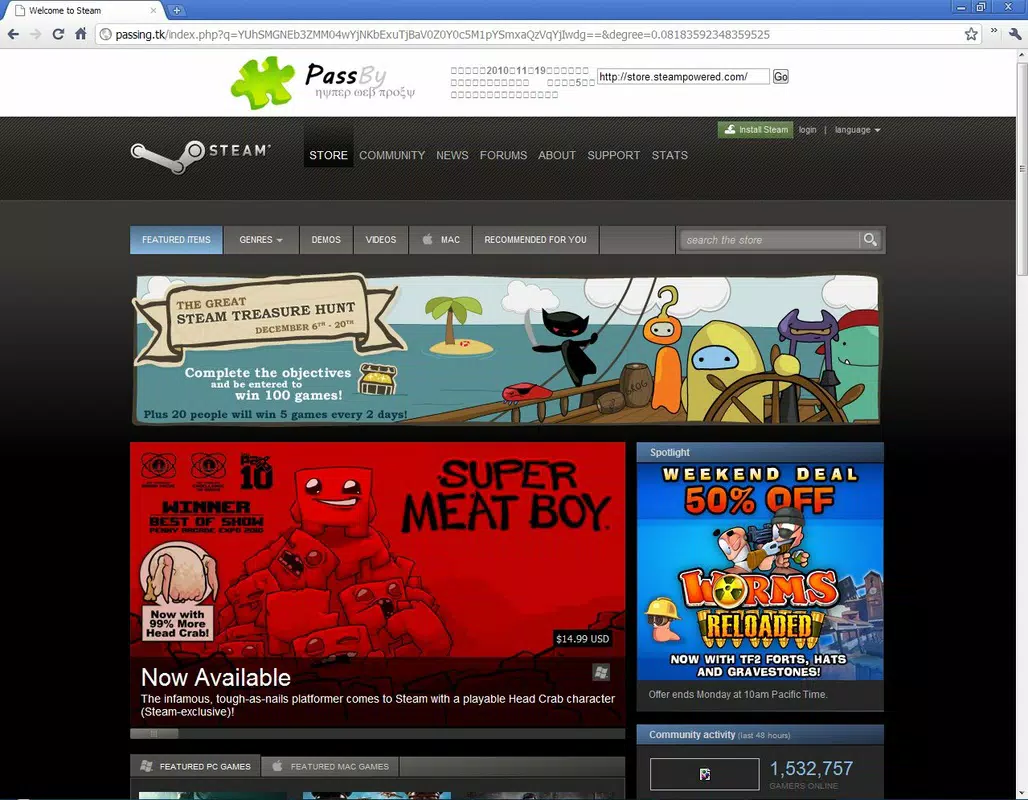
The interface of 1-Click Web Proxy is designed with simplicity in mind. It integrates directly into the Chrome browser’s toolbar, presenting a minimalistic icon that users can click to activate the proxy. The layout is clean and intuitive, with no clutter or unnecessary elements. Navigation is straightforward: users enter a URL and click to proceed, with the proxy handling the rest.
Usability is a strong point of the app. The one-click activation reduces friction, making it accessible to users of all experience levels. The extension does not require configuration or login, which enhances its ease of use. Although the developer did not list formal performance metrics, the app’s lightweight size of 2.1 MB suggests efficient resource usage.
Performance is expected to be stable across different device categories, though specific testing data was not provided. The app’s reliance on browser-based proxy routing means it functions consistently on desktop systems with Chrome installed. Responsiveness is likely to be high, given the minimal interface and direct execution model. Stability appears to be maintained over time, supported by its long release history since 2010.
Platform Compatibility & Technical Requirements
1-Click Web Proxy is designed as a Chrome extension, meaning it operates exclusively within the Google Chrome browser environment. The app is compatible with devices running Chrome on various operating systems, including Windows, macOS, Linux, and Chrome OS. Specific OS version requirements were not listed by the developer.
The file size of the extension is 2.1 MB, indicating a lightweight footprint that should not significantly impact device performance. The current version is 1.0, suggesting a stable and mature release. While no detailed technical specifications were provided, the app’s compatibility is limited to Chrome-based platforms, and it does not appear to be available as a standalone mobile app or for other browsers.
Pros and Cons
- Simple, one-click access to restricted websites
- Supports multiple country-based proxy locations
- Enhances online privacy by masking IP address
- Useful for webmasters testing global site performance
- Free to use with no in-app purchases
- Only available as a Chrome extension, not a mobile app
- No official mobile or iOS support mentioned
- Dependent on Chrome browser functionality
- Specific performance and compatibility details not disclosed
- Not suitable for users without Chrome installed
FAQ
Is 1-Click Web Proxy safe to use?
Yes, the extension functions as a proxy tool to mask your IP address and enhance privacy. However, users should be aware that proxy usage does not guarantee complete anonymity, and sensitive data should be handled with caution.
Can I use this tool on my smartphone?
1-Click Web Proxy is currently available only as a Chrome extension, which means it is designed for desktop browsers. It is not available for Android or iOS mobile devices.
Does the app require a login or account?
No, the extension does not require registration or login. It operates instantly upon activation, making it convenient for quick, anonymous browsing.
How often is the app updated?
The developer has not specified update frequency. However, the app has been active since 2010, suggesting ongoing maintenance and stability.
Is 1-Click Web Proxy free to download and use?
Yes, the app is completely free to install and use. There are no in-app purchases or subscription fees.
Final Thoughts
1-Click Web Proxy delivers a focused, no-nonsense solution for bypassing geographical content restrictions. Its simplicity, combined with essential features like one-click access and geolocation flexibility, makes it a valuable tool for users seeking unrestricted internet access. While limited to Chrome, its lightweight design and privacy-enhancing capabilities provide real benefits for both personal and professional use.
Webmasters, international researchers, and privacy-conscious users will find the app particularly useful. Despite its lack of mobile support, its desktop efficiency and free access make it a standout in the productivity and privacy category.
Download 1-Click Web Proxy now


